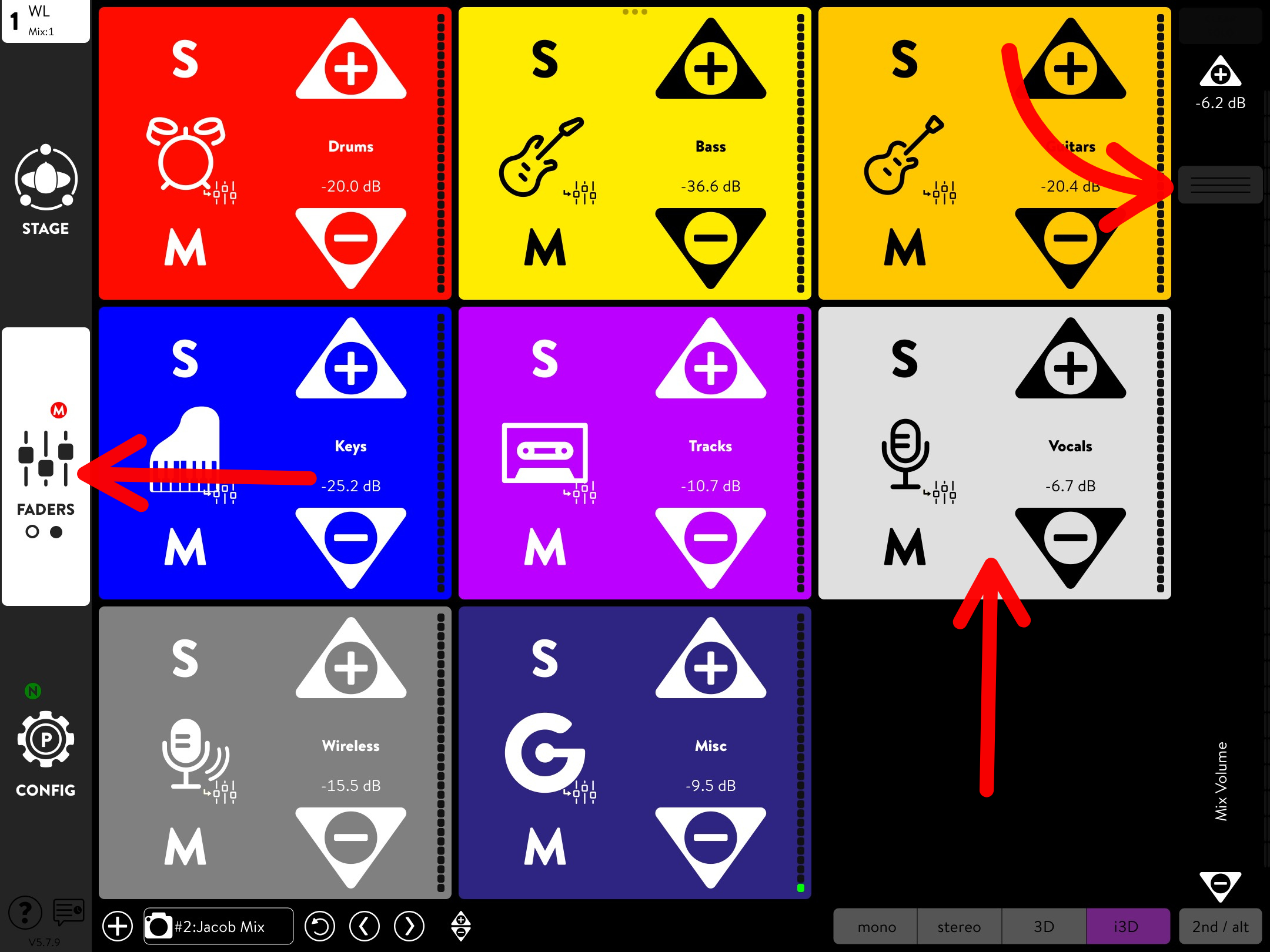
Groups View
With Groups View, you can see each of your instruments from a bird’s-eye view in their respective groupings. Select any group to see its channels. There is also a master volume fader on the right-hand side of your screen that controls the overall mix volume, labeled Mix Volume. It is always visible on any screen.
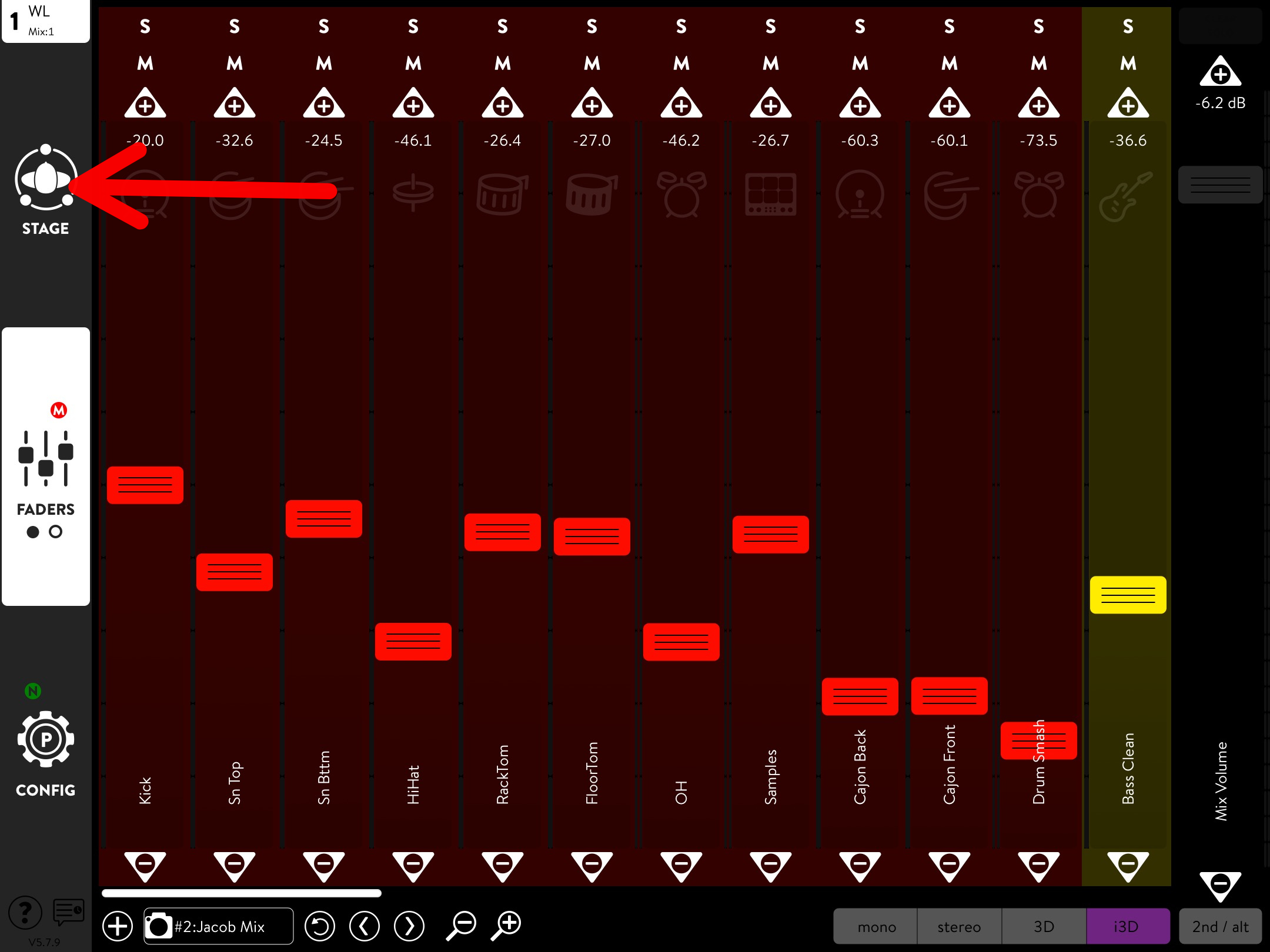
Tap on the Faders tab to switch between Faders View and Groups View.

Once you’re back on Faders View, locate and select the Stage tab on the left-hand side of the screen to enter Stage View.