

Stage View
Welcome to Stage View!
This is where your mix can become more immersive. From here, you can see a head diagram with rings around it. With this immersive, 3D spatial audio feature, you can place instruments wherever you want to hear them. Literally. If you want to hear something behind you, simply move that item on the ring behind the head diagram and listen to how your mix changes!
The purpose of this feature is to open up your mix and separate each channel for better listening and reference as you sing or play. This can take a little extra tweaking, but once you’ve set it to your liking, it is totally worth it.
To make organizing these simpler, refer to the list of groups on the right side of the screen.

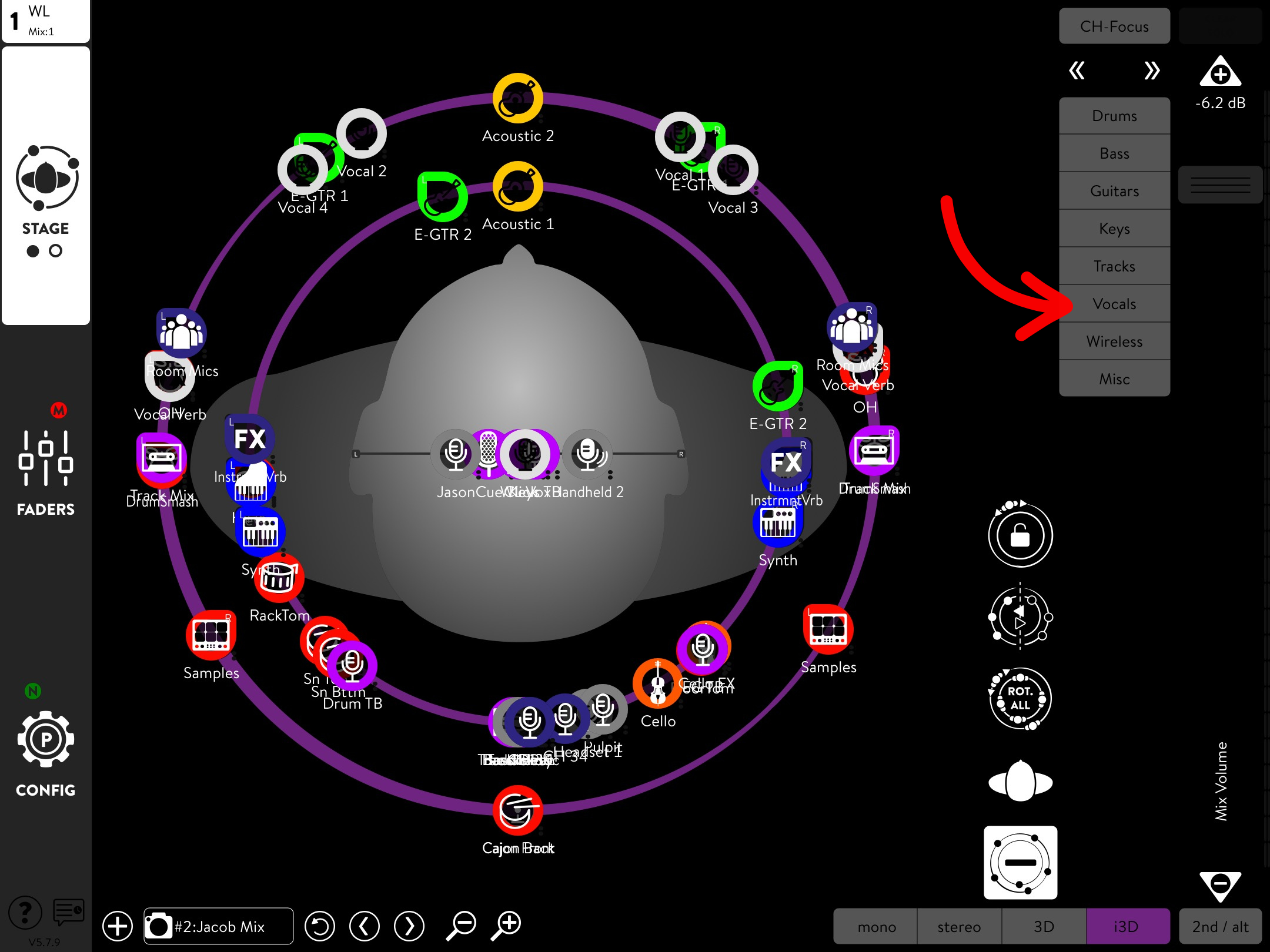
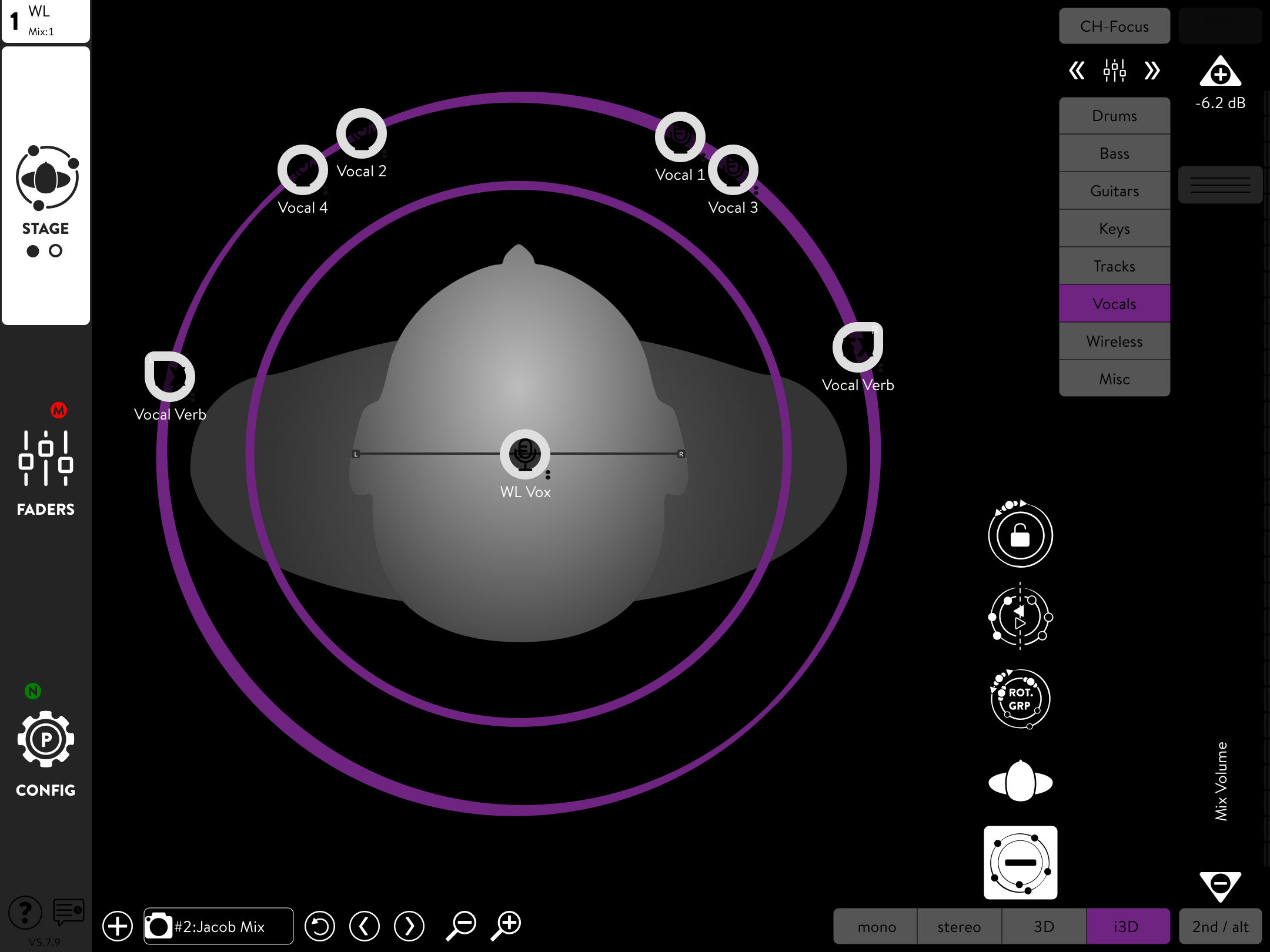
From here, similar to Groups View, you can tap any group to see its channels. This makes things simpler and clutter-free when customizing your mix.
Remember, once you've set your mix to your liking, navigate to Local Shows under the Configure tab and select Update to save your mix to your preset.
That concludes the basics of setting up a mix in Klang. If you ever have any more questions about the app, feel free to ask any of our Staff in the Worship Department for help.
Happy Mixing!